Smoke vs Sanity Testing: What Each Validates and When to Run Them

Ishan Dev ShuklCommunity Council
Sep 15, 2024

Smoke Testing and Sanity Testing are crucial for identifying issues early in the development cycle. While they might seem similar, they serve different purposes and are used at different stages of testing. Understanding these differences is essential for implementing an effective quality assurance strategy.
What is Smoke Testing?
Smoke testing, often referred to as build verification testing, is a preliminary test designed to check the basic functionality of an application. It is conducted to ensure that the software build is stable enough for further, more detailed testing.
Key Characteristics of Smoke Testing:
- Scope: Broad and shallow, covering the core functionalities of the application.
- Objective: To quickly assess whether the application is stable enough for detailed testing.
- Execution: Performed after each new build or release to ensure fundamental functions work as expected.
Examples of Smoke Testing:
- Verifying that the application launches successfully.
- Checking if basic user login and navigation functions operate correctly.
- Confirming that key features like data input and retrieval work without crashing.
What is Sanity Testing?
Sanity testing is a subset of regression testing that focuses on specific areas of functionality after changes or bug fixes have been made. Its primary goal is to verify that recent fixes or enhancements have been implemented correctly and that they haven’t introduced new issues.
Key Characteristics of Sanity Testing:
- Scope: Narrow and deep, focusing on specific functionalities affected by recent changes.
- Objective: To validate that specific issues have been resolved and that related functionalities work as expected.
- Execution: Performed after receiving a new build with bug fixes or feature enhancements to ensure those changes are functioning properly.
Examples of Sanity Testing:
- Verifying that a specific bug fix works as intended without affecting other areas.
- Checking that new features added in a recent release operate correctly.
- Ensuring that changes made to a particular module do not impact its functionality.
Smoke Testing vs. Sanity Testing
| Feature | Smoke Testing | Sanity Testing |
|---|---|---|
| Purpose | To validate the basic functionality of a build | To verify specific fixes or changes |
| Scope | Broad and general | Narrow and specific |
| Timing | Early in the testing cycle | After specific changes or bug fixes |
| Depth | Surface-level checks | In-depth checks of particular functionalities |
| Frequency | Performed after each build | Performed as needed based on changes |
| Focus | Core functionalities of the application | Specific areas impacted by recent changes |
| Test Execution Time | Quick and efficient | More detailed and focused |
| Test Objectives | Ensure stability of the build | Ensure that recent changes are correctly implemented |
| Feedback Speed | Provides immediate feedback on build stability | Provides focused feedback on specific fixes |
| Use Case | Used to confirm that the software is ready for more testing | Used to confirm that particular issues have been resolved |
| Test Coverage | Covers essential functions broadly | Covers targeted functionalities affected by changes |
| Typical Stakeholders | Development and QA teams | Development and QA teams |
| Automation | Often automated to quickly check build stability | Can be automated but often manual |
| Reporting | High-level overview of build stability | Detailed reports on specific fixes or changes |
When to Use Smoke Testing vs. Sanity Testing
- Smoke Testing: Use it as an initial check to ensure that a new build is stable enough for further testing. It’s ideal for catching major issues early and ensuring that core functionalities are working.
- Sanity Testing: Use it after specific changes or fixes to verify that the changes have been correctly implemented and that related functionality is still intact. It’s useful for ensuring that recent updates don’t introduce new issues.
Understanding the differences between smoke testing and sanity testing is essential for optimizing your software testing process. While both are crucial for maintaining software quality, they serve distinct purposes at different stages of the testing lifecycle. Implementing both effectively will help ensure that your application remains stable, functional, and ready for more detailed testing.
Interview questions
Beginner
What is smoke testing?
A quick check that a new build’s critical functions work well enough to test further.
What is sanity testing?
A focused check that a specific change or fix works as expected.
Which comes first, smoke or sanity?
Smoke testing usually comes first on a new build; sanity follows targeted changes.
Intermediate
Is smoke testing broad or deep?
Broad and shallow: many key features, checked briefly.
Is sanity testing usually scripted?
Often unscripted and narrow, focused on the changed area.
What happens if a smoke test fails?
The build is rejected for further testing until fixed.
Advanced
Should smoke tests be automated?
Yes. They run on every build and gate deployments, so automation pays off.
How do you choose what goes in a smoke suite?
Critical user flows and integrations whose failure would block all other testing.
How do smoke and sanity testing fit into CI/CD?
Smoke tests gate each deployment; targeted sanity checks run after hotfixes and config changes.
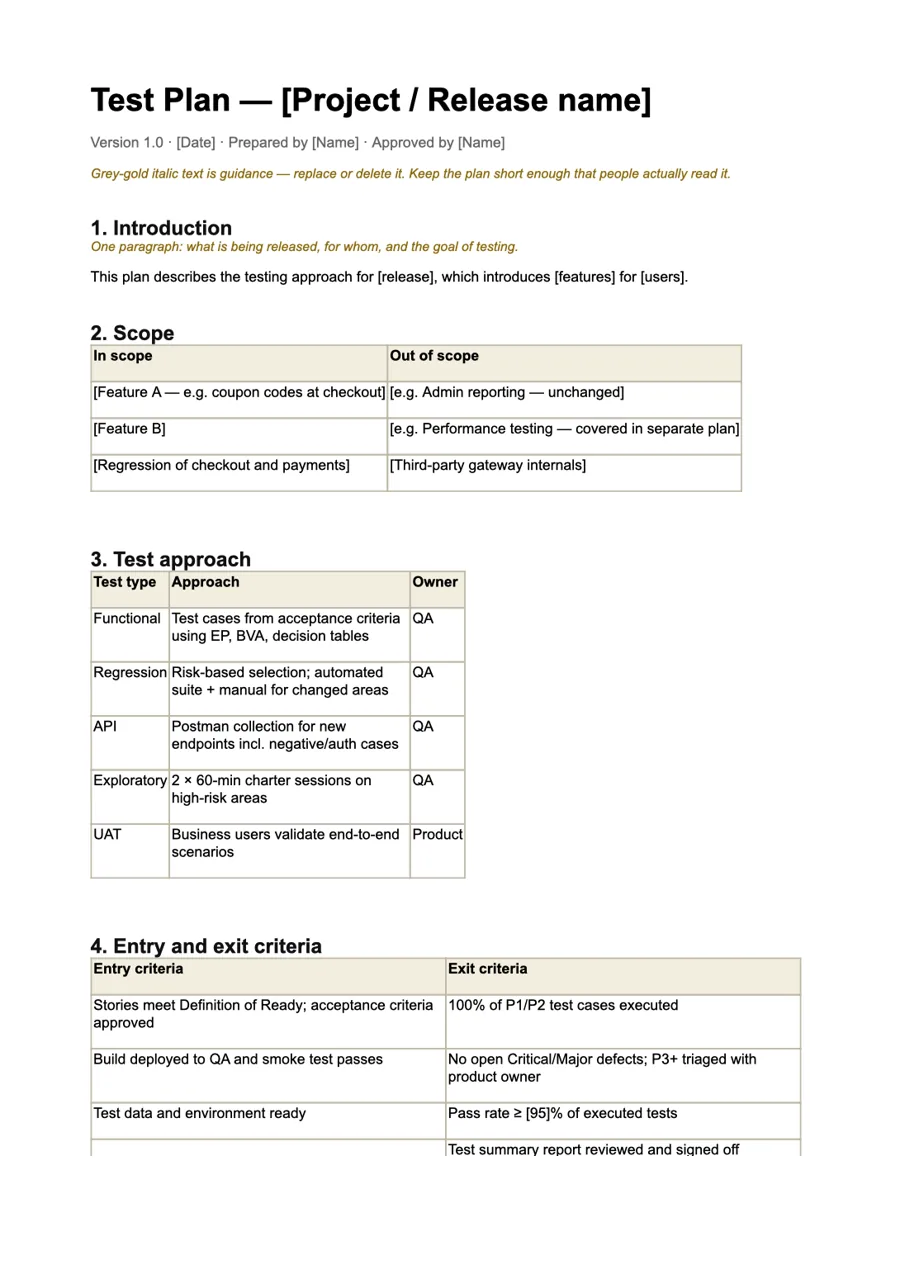
Go deeper · QA Bash kit
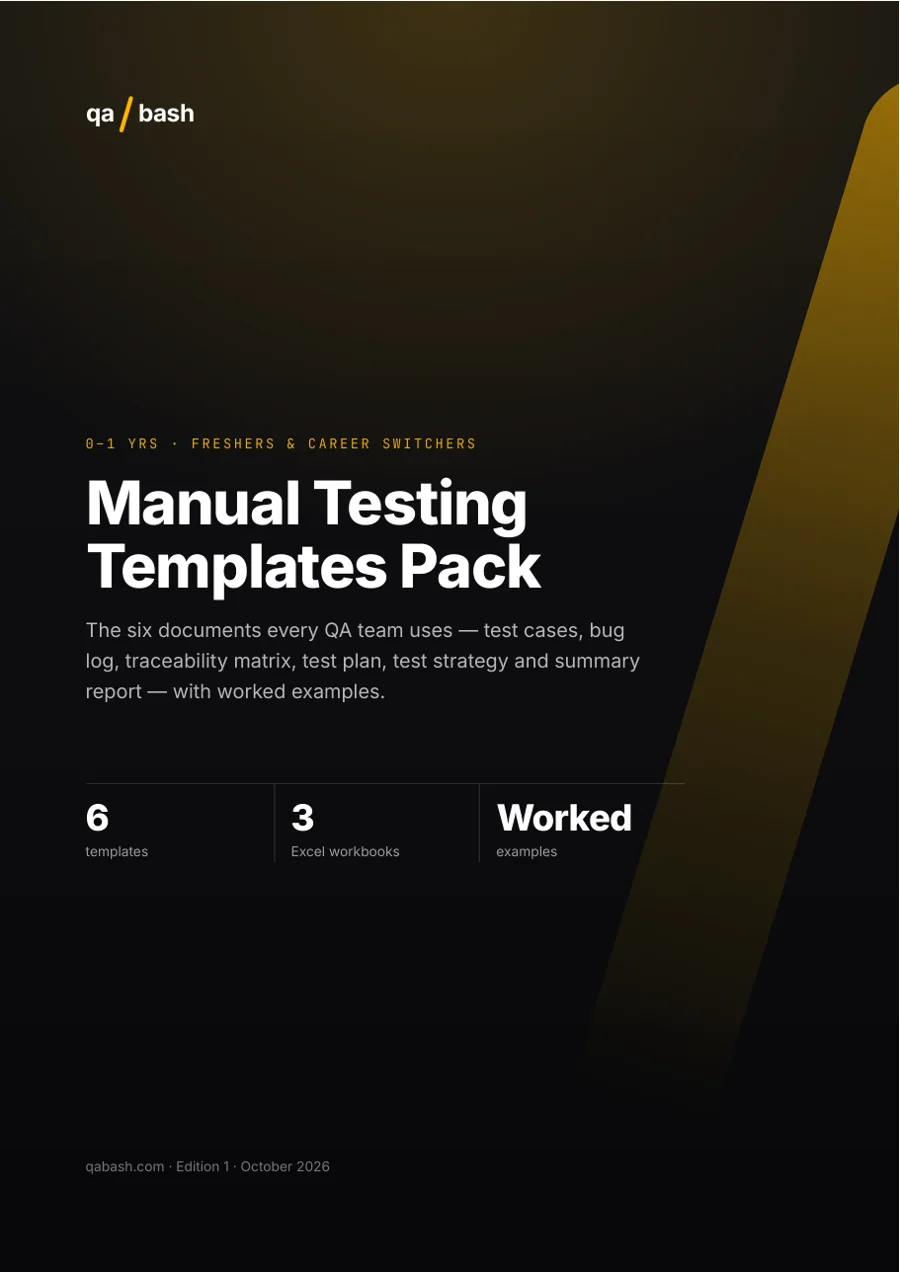
Manual Testing Templates Pack
Every document a QA team needs, ready to use.
0–1 yrs · 6 ready templates
₹249₹311
Rate this article
7.9/10 average · 34 ratings
Discussion
Be the first to weigh in
Your question or experience helps the next tester who reads this. Sign in and earn +25 XP for every approved comment or reply.
Written by

Testing EnthusiastGurugram, India
With 15+ years in test automation, Ironman specializes in building scalable automation frameworks, AI-driven testing strategies, and modern quality engineering practices. He writes about automation tools, testing architecture, and the future of QA. His mission is simple: help testers evolve into engineers who build quality into every system.
Keep reading