10 Playwright Features That Replace Traditional Selenium Practices

qabash.comAmbassador
Nov 19, 2026
Quick answer
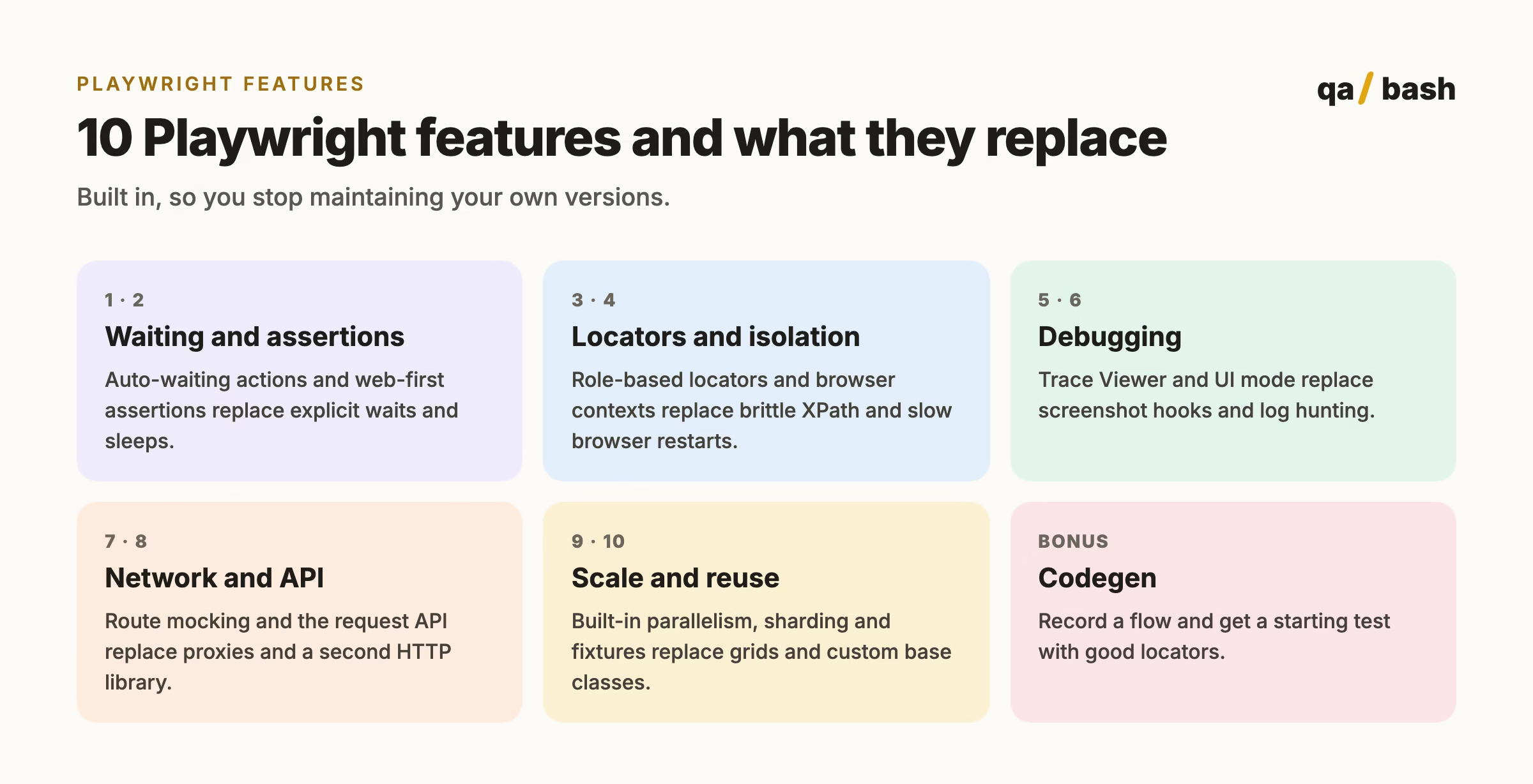
The Playwright features that replace the most traditional Selenium work are auto-waiting actions, web-first assertions, role and label based locators, browser contexts for test isolation, Trace Viewer, UI mode, network interception with page.route, built-in API testing, parallelism with sharding and retries, and fixtures with saved authentication. Together they remove the need for explicit waits, custom screenshot hooks, separate HTTP clients and most grid setups.
If you learned UI automation with Selenium, a lot of your daily work was building things the tool did not give you: explicit waits, retry helpers, screenshot-on-failure hooks, a separate HTTP client for API setup, a grid for parallel runs. Playwright ships most of that out of the box, which is why so many teams that try it do not go back.
This is not another “Playwright vs Selenium” speed test. It is a practical list of ten Playwright features, what each one replaces from a typical Selenium setup, and a short example of how it looks in code. Selenium remains a solid choice for many teams; if you want the comparison, read why Playwright is measurably faster than Selenium.
1. Auto-waiting actions
Before clicking, typing or checking, Playwright waits until the element is attached, visible, stable, enabled and able to receive events. You do not write explicit waits for normal interactions.
// No wait needed: click() waits until the button is actionable
await page.getByRole("button", { name: "Place order" }).click();
Replaces: WebDriverWait wrappers and, worse, Thread.sleep. For more on why this kills flakiness, see how Playwright’s auto-wait eliminates flaky tests.
2. Web-first assertions
Assertions like toBeVisible and toHaveText retry until the condition is true or the timeout passes, so they match how real pages load.
await expect(page.getByTestId("cart-count")).toHaveText("2");Replaces: read-then-assert patterns that fail when the value updates a moment later.
3. User-facing locators
getByRole, getByLabel, getByText and getByTestId find elements the way users and assistive technology do. They survive CSS refactors and nudge teams toward accessible markup.
await page.getByLabel("Email").fill("qa@example.com");
await page.getByRole("link", { name: "Forgot password?" }).click();
Replaces: long XPath and CSS chains tied to layout.
4. Browser contexts for isolation
A browser context is a fresh, incognito-like profile created in milliseconds. Each test gets its own cookies and storage without starting a new browser, and one test can open several contexts to simulate two users at once.
Replaces: restarting the browser per test, or sharing state and hoping tests do not interfere.
5. Trace Viewer
With tracing on, every failed test produces a trace you can open to step through each action with DOM snapshots, screenshots, network calls and console logs.
// playwright.config.ts
export default defineConfig({ use: { trace: "on-first-retry" } });
Replaces: custom screenshot-on-failure hooks and digging through CI logs.
6. UI mode and the inspector
npx playwright test --ui opens a watch-mode runner with a timeline, locator picker and time-travel debugging. The inspector lets you step through a test line by line.
Replaces: adding breakpoints and print statements, rerunning the whole suite to debug one test.
7. Network interception and mocking
page.route lets you intercept, block, modify or fake any request, so you can test error states and slow responses without changing the backend.
await page.route("**/api/orders", route =>
  route.fulfill({ status: 500, body: "Internal error" })
);
await page.goto("/orders");
await expect(page.getByText("Something went wrong")).toBeVisible();
Replaces: proxy tools such as BrowserMob and dedicated stub servers for simple cases.
8. Built-in API testing
The request fixture sends HTTP requests with the same config, cookies and reporting as your UI tests. Use it to create test data before a UI test or to test APIs on their own.
test("creates an order through the API", async ({ request }) => {
  const res = await request.post("/api/orders", { data: { sku: "QA-101", qty: 1 } });
  expect(res.status()).toBe(201);
});
Replaces: a separate HTTP library and its own configuration.
9. Parallelism, sharding and retries
The test runner runs files in parallel workers by default, splits suites across CI machines with --shard, and can retry failures while marking them as flaky in the report.
npx playwright test --shard=1/4Replaces: Selenium Grid setup for most teams, and homemade retry logic.
10. Fixtures and saved authentication
Fixtures provide setup and teardown per test or per worker, composed by name. Combined with storageState, you log in once and reuse the session across tests.
Replaces: deep base test classes and logging in through the UI before every test.
Bonus: codegen
npx playwright codegen https://your-app records your clicks as a test with sensible locators. Treat the output as a starting point and refactor it into page objects or fixtures.
Selenium practices and their Playwright equivalents
| Traditional Selenium practice | Playwright feature |
|---|---|
| Explicit waits and sleeps | Auto-waiting actions |
| Read value, then assert | Web-first assertions |
| XPath and CSS chains | Role, label and test ID locators |
| Browser restart per test | Browser contexts |
| Screenshot-on-failure hooks | Trace Viewer |
| Proxy servers for mocking | page.route |
| Separate HTTP client | request fixture |
| Selenium Grid for parallel runs | Workers and –shard |
| Custom retry utilities | Built-in retries with flaky reporting |
| Login before every test | storageState with fixtures |
Should you migrate?
Migrate when maintenance and flakiness are your biggest costs and your team works in JavaScript, TypeScript, Python, Java or .NET, all of which Playwright supports. Stay with Selenium when you depend on browsers or grids Playwright does not cover, or when a large stable suite is not causing pain. Many teams run both during a gradual move, writing new tests in Playwright and migrating old ones as they break.
Avoid the classic pitfalls either way with our list of 17 common Playwright mistakes that cause flaky tests.
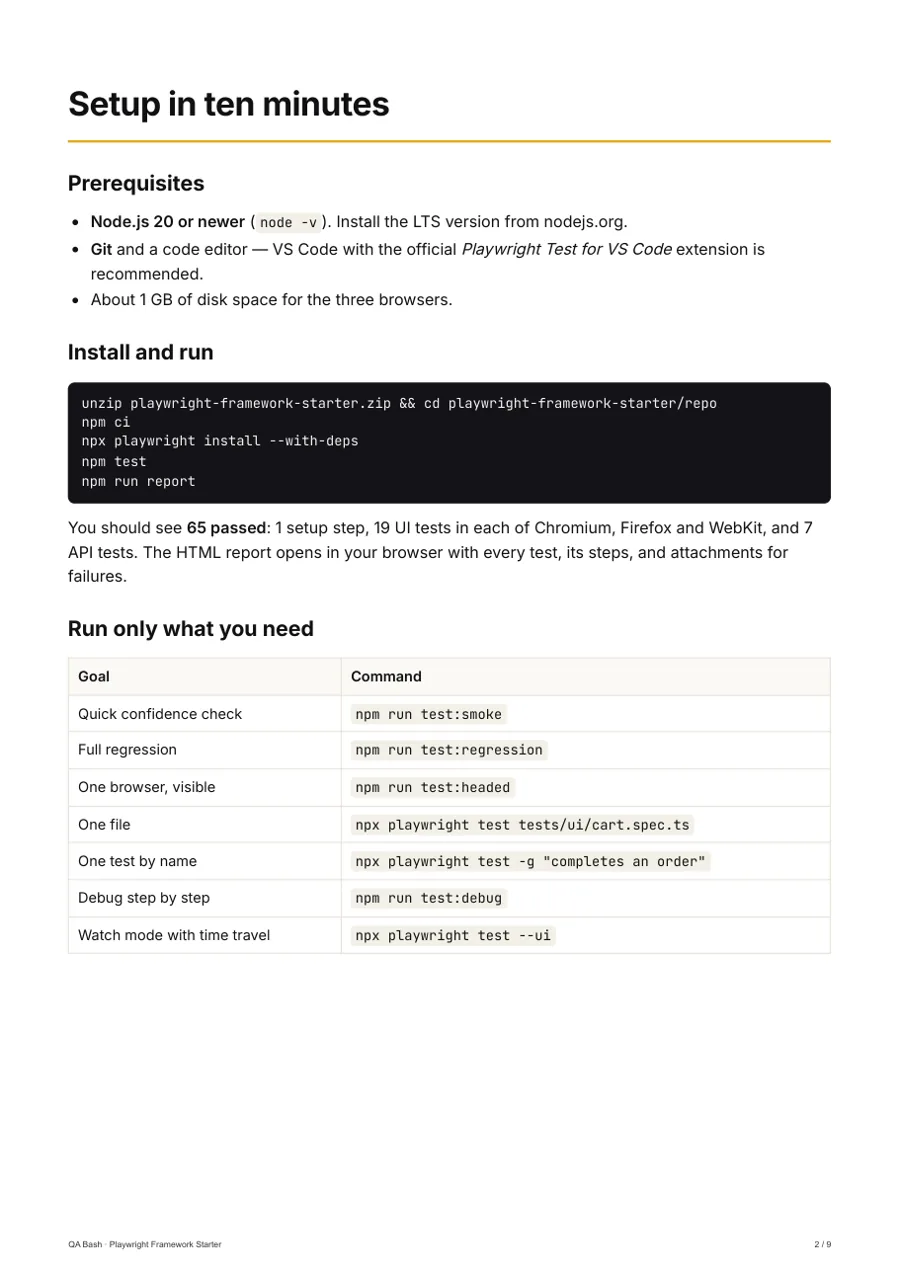
Go deeper · QA Bash kit
Playwright (TypeScript) Framework Starter
A production-style automation framework you can ship on day one.
1–3 yrs · 65 tests passing
₹999₹1,249
Rate this article
9.6/10 average · 35 ratings
Discussion
Be the first to weigh in
Your question or experience helps the next tester who reads this. Sign in and earn +25 XP for every approved comment or reply.
Written by

Community Wire at QA Bash
Frequently asked questions.
What are the main features of Playwright?
Auto-waiting, web-first assertions, user-facing locators, browser contexts, Trace Viewer, UI mode, network mocking, API testing, parallel runs with sharding and retries, fixtures and codegen.
Does Playwright need explicit waits?
Usually not. Actions wait until elements are actionable and web-first assertions retry until they pass, so explicit waits are only needed for unusual cases.
Can Playwright do API testing?
Yes. The request fixture sends HTTP requests with the same configuration and reporting as UI tests, which is useful for API tests and for creating test data.
Keep reading