How to Setup Java, Maven & VS Code for Selenium Automation | Full Tutorial 2026

Learn how to setup Java and Maven in VS Code and run Selenium automation scripts step-by-step in this beginner-friendly tutorial. In this video, you will learn: * How to install and configure Java (JDK) * How to install and setup Maven * How to setup VS Code for Java development * How to add Selenium dependencies using Maven * How to write and execute a Selenium automation test This tutorial is perfect for beginners who want to start automation testing using Selenium with Java and VS Code. Tools Covered: * Java JDK installation * Maven setup and configuration * VS Code extensions for Java * Selenium WebDriver setup Keywords: Java setup in VS Code, Maven installation, Selenium tutorial Java, VS Code Selenium setup, automation testing for beginners, Selenium WebDriver tutorial, Java Maven project setup By the end of this video, you will be able to run your first Selenium automation script using Java in VS Code. Don’t forget to Like, Share, and Subscribe for more automation testing tutorials! #Java #Maven #Selenium #VSCode #AutomationTesting #SeleniumWebDriver #JavaTutorial #buildtoautomate
More like this
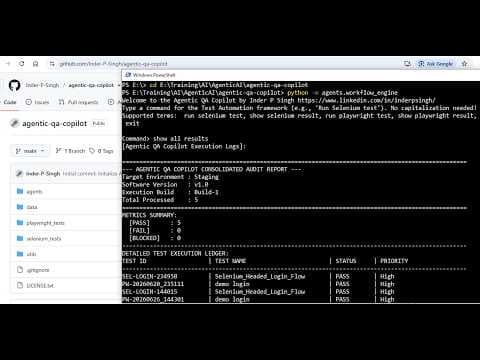
Agentic AI Test Automation Framework Tutorial | Selenium, Playwright & QA Copilot
Automate Mobile Apps with AI | Mobilewright + Copilot Demo | End of Appium | Android & IOS App
Selenium vs Playwright: Which Is Better for Automation Testing in 2026?
TypeScript for Automation Testers Complete Crash Course for Playwright & Cypress
Join the discussion
Sign in to join the discussion
Sign in